
5 Best Browsers for Privacy and Security

Every time you open a web page, check your email, or search for a product, an invisible web of trackers, data brokers, and advertisers records your every move. Standard mainstream browsers often prioritize corporate data collection over individual peace of mind, leaving your browsing history, location data, and personal preferences vulnerable.
If you want to protect your personal information without sacrificing everyday speed and convenience, upgrading your web browser is the single most effective step you can take. Below is a comprehensive guide to the 5 best browsers for privacy and security, designed to help everyday internet users navigate the web safely and securely.
Why Your Default Web Browser Is Leaking Your Data
Most everyday internet users do not realize how much data leaks straight out of standard browsers. When you use legacy applications without built-in shields, commercial entities build detailed profiles based on your browsing habits, screen resolution, operating system, and installed fonts—a technique known as browser fingerprinting.
Advertising networks use these unique digital fingerprints to track you across millions of websites. Protecting yourself no longer requires a degree in computer science. Modern privacy browsers integrate advanced defense mechanisms straight out of the box, stopping trackers before they even load.
1. Brave Browser: The Best Overall for Everyday Speed and Protection
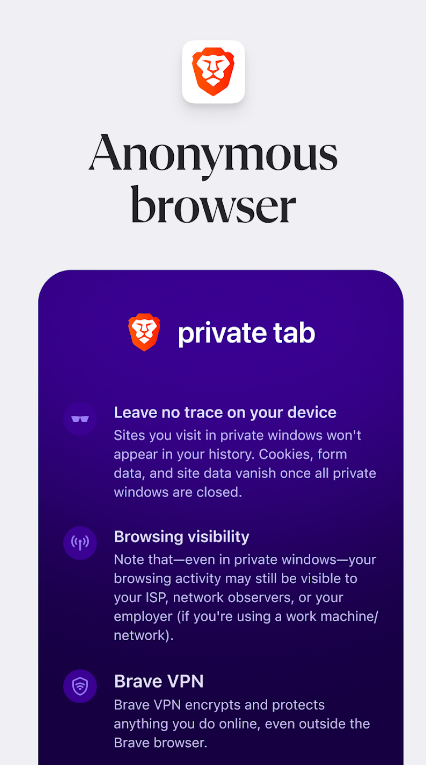

For most people looking to upgrade their daily web experience, Brave stands out as the top choice. Built on the same underlying open-source Chromium engine as Google Chrome, Brave feels instantly familiar and supports almost all standard Chrome extensions. However, its underlying philosophy is entirely focused on user privacy.
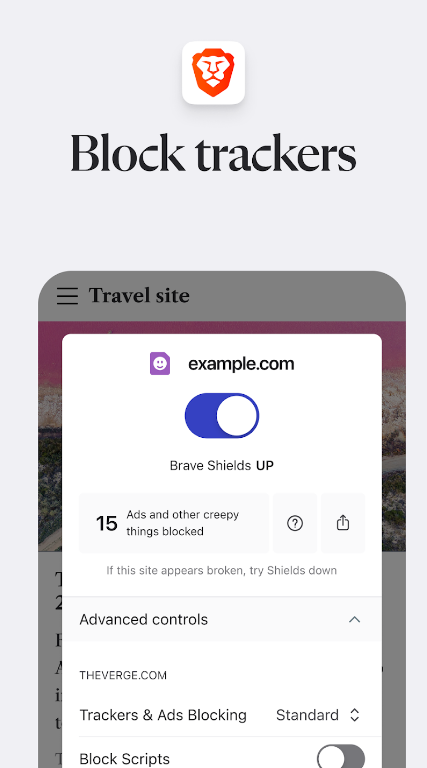
- Brave Shields:This built-in utility automatically blocks intrusive third-party ads, tracking scripts, and cross-site cookies the moment you install the app. Because these elements are blocked locally before they can download, pages load significantly faster—often twice as fast as traditional browsers.
- Fingerprinting Defense:Brave randomizes subtle aspects of your browser environment to prevent data brokers from recognizing your device across different web domains.
- Automatic HTTPS Upgrades:The browser forces websites to use secure encrypted connections whenever available, protecting your data from local network snooping.
Why it fits beginners: You do not need to tweak complex settings. Download it, open it, and your everyday web traffic is instantly shielded from common tracking vectors.
2. Mozilla Firefox: The Best Independent Choice for Customization


If you want to step away from the tech giants completely while retaining deep control over how your data is handled, Mozilla Firefox is the industry standard. Developed by a non-profit organization, Firefox runs on its own independent Gecko rendering engine rather than relying on Google’s core technology.
- Enhanced Tracking Protection:Firefox blocks known social media trackers, cross-site cookies, and cryptomining scripts by default under its standard settings, with options to dial protection up to “Strict”.
- Total Cookie Protection: This feature creates a separate cookie jar for every single website you visit. This stops malicious advertisers from following your session history from one tab to the next.
- Multi-Account Containers: A powerful tool that lets you isolate different parts of your digital life—such as personal emails, banking, and social media—into color-coded tabs that cannot share data with one another.
Why it fits beginners: Firefox provides a friendly, welcoming interface while offering deep transparency and robust open-source security backed by decades of community trust.
3. Tor Browser: The Gold Standard for Ultimate Anonymity
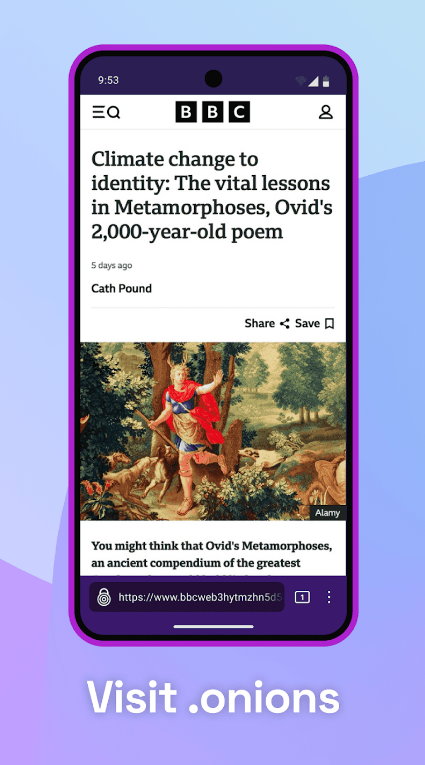
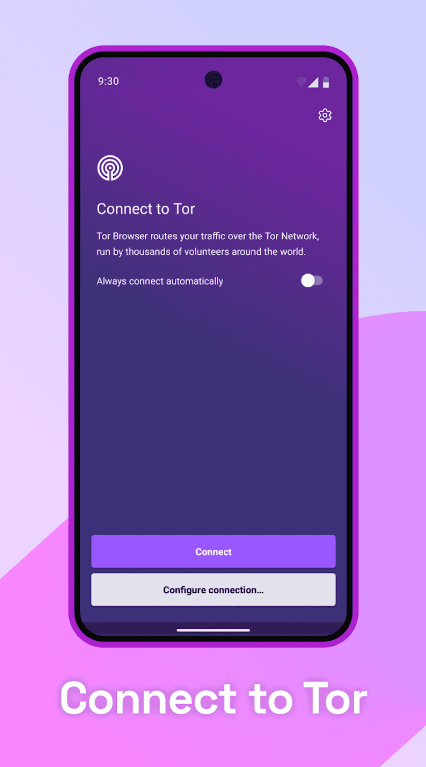
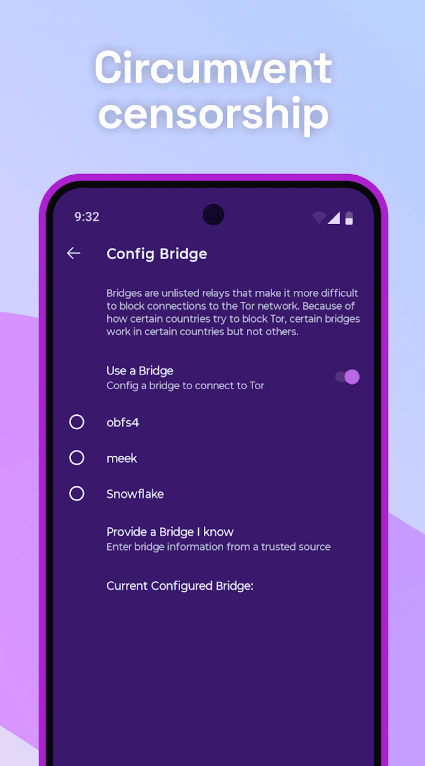
When your threat model involves severe privacy concerns, such as avoiding state-sponsored surveillance or protecting sensitive investigations, Tor Browser is the ultimate tool. Built as a hardened version of Firefox, Tor routes your web traffic through a global, volunteer-operated overlay network.
- Onion Routing:Your internet requests bounce through three separate encrypted relays scattered across the planet. The entry node knows your IP address but not where you are going; the exit node knows your destination but not who you are.
- Extreme Fingerprint Uniformity: Every single Tor user looks identical to the outside world. Because everyone shares the exact same screen dimensions, device fonts, and browser characteristics, individual tracking becomes virtually impossible.
- Automatic Session Wipe: Cookies, cache items, and history vanish the moment you close your window, leaving zero trace on your local hard drive.
Why it fits beginners: While it introduces a bit of browsing friction—such as slower page load times and occasional security captchas—launching Tor is as simple as opening a standard application.No extra virtual private networks (VPNs) or complex configurations are required to achieve maximum anonymity.
4. DuckDuckGo Browser: The Simplest Path to Zero-Config Privacy
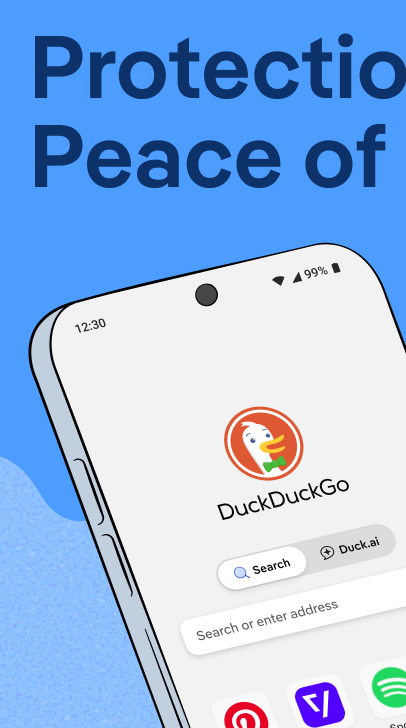
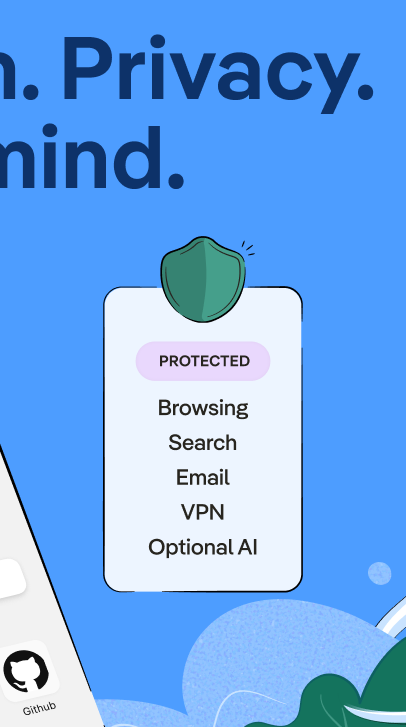

Known globally for its privacy-first search engine, the DuckDuckGo Browser (available across desktop and mobile platforms) brings that same philosophy directly to a standalone web app. It is engineered for people who want robust tracking protection without managing complicated security toggles.
- Global Privacy Control:The browser automatically communicates your privacy preferences to websites, telling them not to sell or share your personal data.
- Smash the Cookie Pop-Ups: DuckDuckGo features automated tools that block or minimize those annoying cookie consent banners, saving you time and reducing tracking surface area.
- Email Protection: Includes built-in alias creation, stripping hidden trackers out of incoming emails before they reach your personal inbox.
Why it fits beginners: If you find technical settings intimidating, DuckDuckGo operates quietly in the background, handling complex tracker blocking and HTTPS enforcement automatically.
5. LibreWolf: The Hardened Power-User Choice for Zero Telemetry
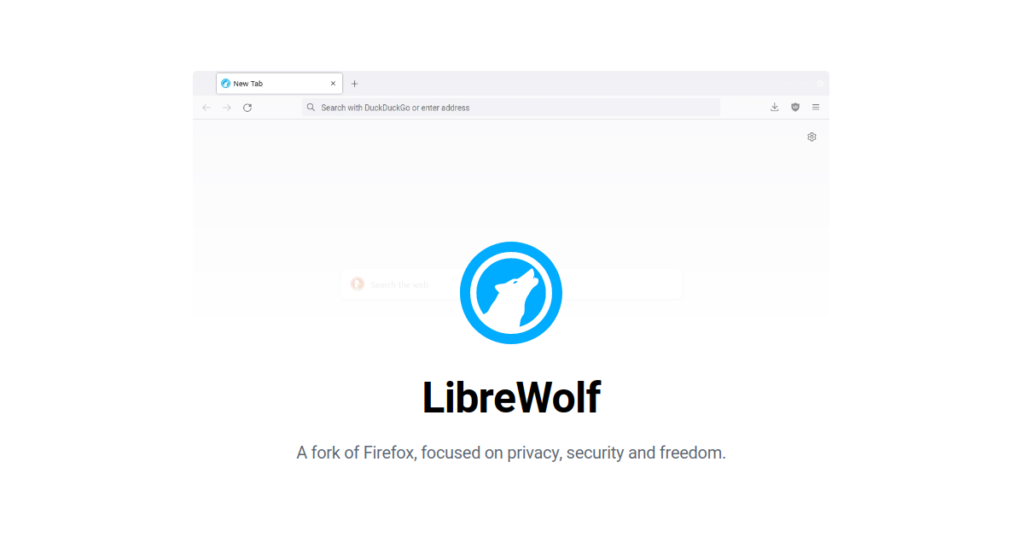
LibreWolf is an independent, community-driven project built as a modified version of Firefox. It is designed specifically for users who want Firefox’s independent engine but despise corporate telemetry, diagnostic data collection, and software bloat.
- Zero Telemetry: All background data reporting, crash logs, and diagnostic telemetry built into standard software are completely ripped out at the source code level.
- Hardened Security Defaults:Features like strict tracker blocking, advanced fingerprinting resistance, and local data clearing upon exit are baked straight into the core profile.
- No Forced Accounts: You never need to sign into a corporate account or sync service to unlock the browser’s full feature set.
Why it fits beginners: While it caters to privacy enthusiasts, LibreWolf works right out of the box like a normal browser, giving you advanced, enterprise-grade data protection without requiring manual configuration files.
How to Choose the Right Privacy Browser for Your Needs
Selecting the ideal browser depends entirely on your daily digital habits:
- Choose Brave if you want fast, familiar performance with powerful ad and tracker blocking that works instantly.
- Choose Firefox if you love deep customization, session isolation containers, and open-source independence.
- Choose Tor Browser if absolute anonymity and hiding your real IP address are your top priorities.
- Choose DuckDuckGo Browser if you prefer a clean, minimal experience with zero configuration required.
- Choose LibreWolf if you want maximum anti-tracking protection with zero corporate telemetry.
Protecting your online security does not have to be difficult. By downloading one of these user-friendly privacy browsers today, you can take back control of your digital footprint and browse the web with confidence.