5 Best Password Managers for Online Security

In today’s digital landscape, keeping your personal information safe feels harder than ever. From online banking and shopping to social media and streaming services, you likely have dozens of online accounts. If you are still using the same password across multiple websites, or writing them down on a sticky note, you are leaving an open door for hackers.
One data breach on a minor website can expose your credentials, giving cybercriminals the keys to your email, bank accounts, and primary identity. Fortunately, safeguarding your digital life does not require memorizing complex strings of characters. The easiest, most effective solution is to use a reliable password manager.
This guide explores the 5 best password managers for online security, breaking down how they work, why you need them, and how to choose the right option to protect your data effortlessly.
Why You Need a Password Manager for Complete Online Safety
Before diving into the top applications, it helps to understand what a password manager actually does. Think of a password manager as a digital, highly encrypted vault. It stores all your usernames, passwords, credit card details, and secure notes behind a single Master Password—the only password you will ever need to memorize.
Cybercriminals use sophisticated tools like automated “credential stuffing” and brute-force attacks to crack weak or reused passwords in seconds. A secure password manager protects you by:
- Generating Uncrackable Passwords: Creating long, random combinations of letters, numbers, and symbols for every new account you make.
- Eliminating Phishing Risks: Auto-filling your credentials only on the legitimate website URL, making fake phishing sites instantly noticeable when they fail to auto-fill.
- Monitoring Data Breaches: Alerting you immediately if any of your stored accounts appear in a known public data leak.
Let us look at the top five tools available today to keep your digital footprint secure.
1. 1Password: Best Overall for Seamless Security and Usability
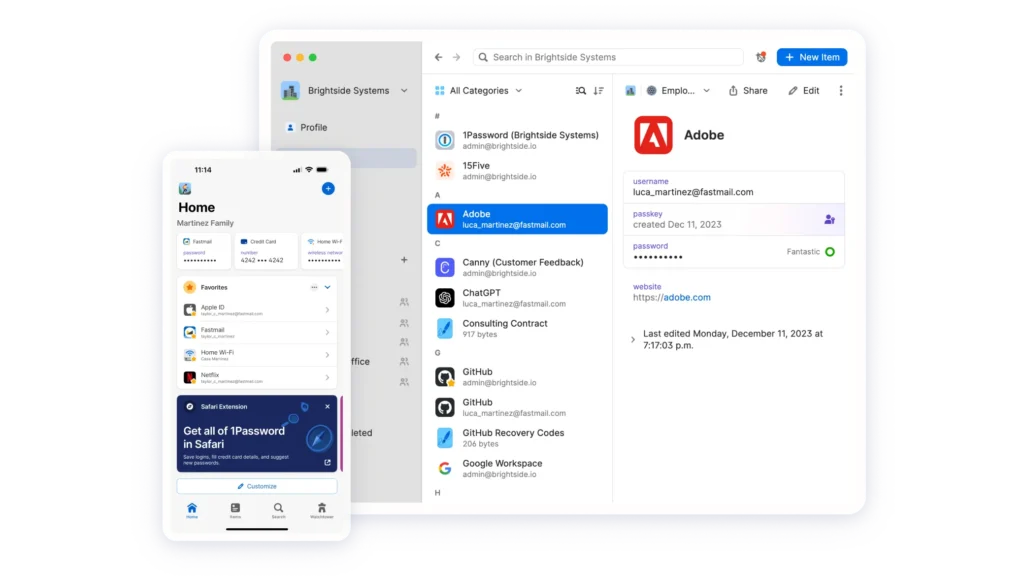
If you want a polished experience that balances top-tier security with incredible ease of use, 1Password consistently ranks as the industry gold standard. It is designed for everyday users who want robust protection without a steep learning curve.
Key Security Features
- Zero-Knowledge Architecture: Not even 1Password employees can see your data. Everything is encrypted locally on your device using strong encryption keys before it ever touches their servers.
- Watchtower Dashboard: This built-in security auditor scans your vault for weak, reused, or compromised passwords, and even flags accounts where two-factor authentication (2FA) is missing.
- Travel Mode: A unique privacy feature that lets you safely remove sensitive vaults from your phone or laptop when crossing borders, restoring them with a single click once you arrive.
Why It Stands Out
1Password works smoothly across almost all major operating systems (Windows, macOS, iOS, Android, and Linux) and web browsers. Its family plans and secure sharing features make it simple to pass Wi-Fi passwords or streaming logins safely to loved ones without exposing the actual text.
2. Bitwarden: Best Open-Source and Budget-Friendly Choice
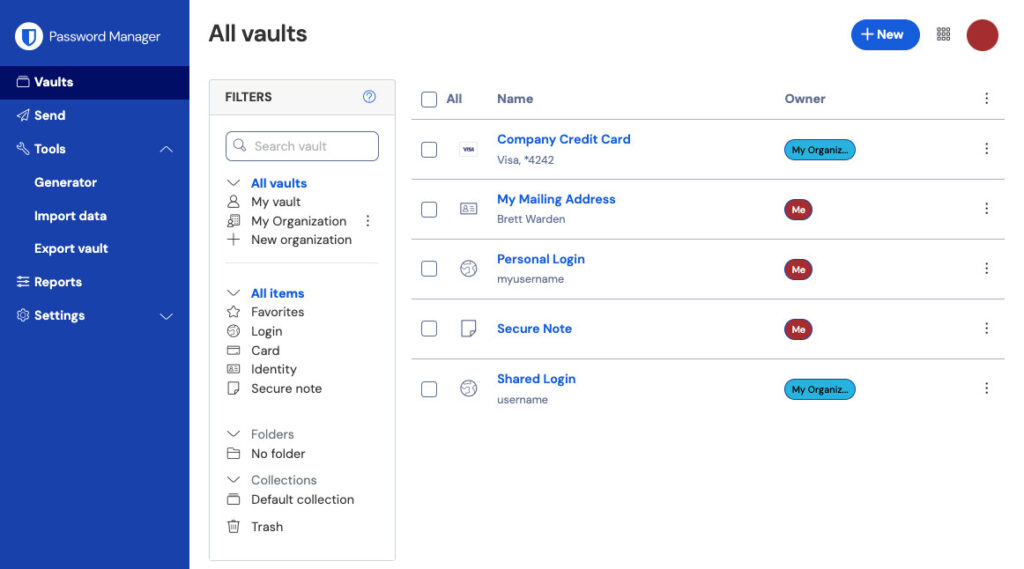
For users looking for maximum transparency and robust security without breaking the bank, Bitwarden is a phenomenal choice. What sets Bitwarden apart is its commitment to open-source software. Because its source code is publicly available, security experts worldwide constantly inspect it for vulnerabilities.
Key Security Features
- End-to-End AES-256 Encryption: Your vault is locked tight using military-grade encryption standards that are mathematically impossible to brute-force with current technology.
- Advanced 2FA Integration: Supports hardware security keys like YubiKey and FIDO2 authentication for an extra layer of protection.
- Generous Free Tier:Bitwarden offers one of the most comprehensive free plans on the market, allowing unlimited password storage across an unlimited number of devices.
Why It Stands Out
Bitwarden proves that enterprise-grade security does not have to be expensive. Upgrading to their premium tier costs very little annually and unlocks file storage, emergency access, and built-in breach reporting tools. It is lightweight, reliable, and trusted by privacy purists globally.
3. NordPass: Best for Modern Encryption and Value
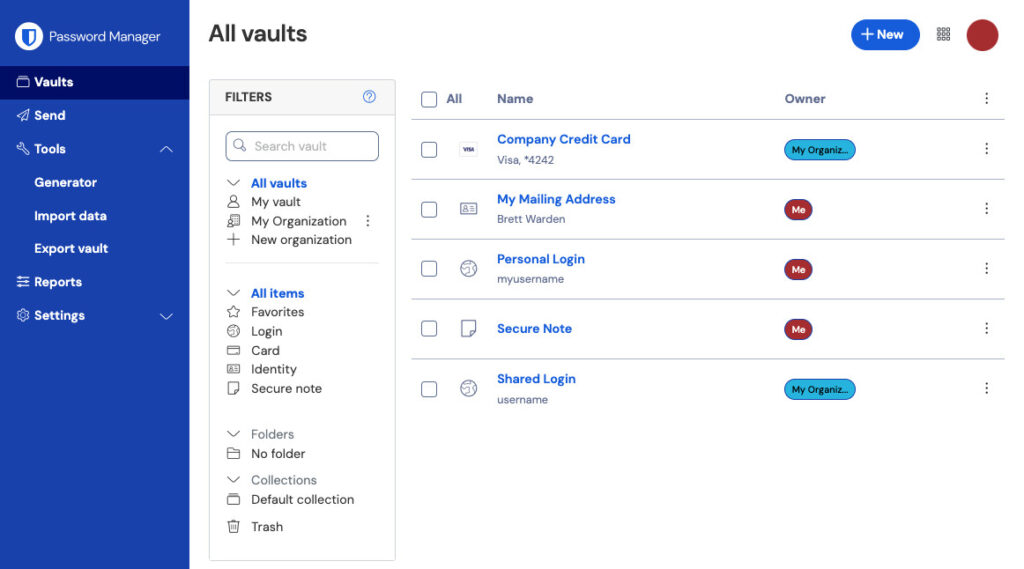
Created by the cybersecurity experts behind NordVPN, NordPass has quickly risen to become a powerhouse in the password management space. It focuses heavily on modern cryptographic design and a sleek, distraction-free user interface.
Key Security Features
- XChaCha20 Encryption:Instead of older encryption standards, NordPass utilizes the advanced XChaCha20 algorithm, praised by cryptographers for its speed and uncrackable security profile.
- Data Breach Scanner: Actively scans the web to see if your personal emails, passwords, or credit card information have leaked online.
- Trusted Contacts: Allows you to securely share specific items or entire folders with family members or colleagues.
Why It Stands Out
NordPass excels at simplicity. Setting up the app takes less than five minutes, and importing old passwords from browsers or other apps is entirely frictionless. If you already use or want a top-tier virtual private network (VPN), NordPass offers fantastic bundle options that cover all your cybersecurity bases efficiently.
4. Keeper: Best for Advanced Protection and Compliance
If your priority is absolute fortress-level security with strict compliance standards, Keeper is a top-tier contender. It is widely favored by individuals handling highly sensitive data as well as businesses looking for robust administrative controls.
Key Security Features
- Zero-Trust and Zero-Knowledge Framework: Absolute privacy guarantees that mean your master password is known only to you.
- Keeper BreachWatch: Powered by the Dark Web monitoring network, BreachWatch alerts you instantly if your credentials appear in underground hacking forums.
- Secure File Storage: Allows you to encrypt and store confidential documents, passport copies, and tax forms right alongside your passwords.
Why It Stands Out
Keeper delivers an exceptionally polished mobile and desktop experience. While it sits at a slightly higher price point for individual users than some alternatives, its bulletproof security architecture and specialized discounts for students and military personnel make it a worthy investment for security-conscious households.
5. Proton Pass: Best for Privacy-Focused Digital Ecosystems
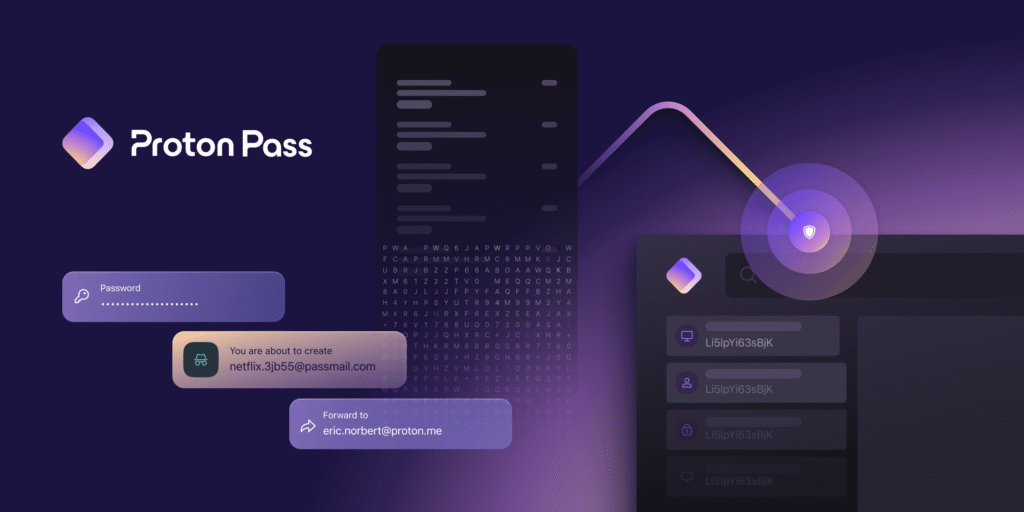
Brought to you by the team behind Proton Mail and Proton VPN, Proton Pass is engineered from the ground up for people who treat digital privacy as a fundamental right.
Key Security Features
- End-to-End Encryption for Everything: Encrypts not just your passwords, but also your usernames, website URLs, and underlying notes.
- Built-In Email Aliasing: Integrates directly with Proton Mail to let you generate hidden, randomized email aliases when signing up for new services. This prevents spam and shields your real email address from data breaches.
- Passkey Support: Fully supports modern passwordless login standards (passkeys), ensuring future-proof authentication across supported platforms.
Why It Stands Out
Proton Pass fits neatly into a broader ecosystem designed to keep your online footprint completely private. Its clean interface, strict Swiss privacy laws jurisdiction, and emphasis on anonymous signup features make it a darling of the privacy community.
Essential Best Practices to Maximize Your Online Security
Installing a password manager is a massive step forward, but combining it with smart online habits ensures your accounts remain impenetrable:
- Never Reuse Your Master Password: Your master password is the key to your kingdom. Make it long, unique, and memorable only to you. Never use it on any other website.
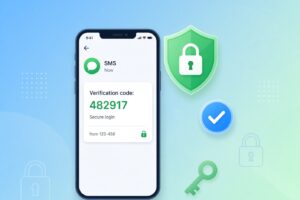
- Enable Two-Factor Authentication (2FA): Turn on 2FA wherever possible—ideally using an authenticator app (like Google Authenticator or Aegis) or a hardware security key rather than SMS text messages, which can be intercepted.
- Regularly Check Security Health Scores: Make a habit of checking your password manager’s security dashboard monthly to update any flagged or weak credentials.
Which Password Manager Should You Choose?
Protecting your online identity no longer has to be a chore. Whether you choose the user-friendly brilliance of 1Password, the open-source transparency of Bitwarden, the streamlined value of NordPass, the hardcore defense of Keeper, or the privacy focus of Proton Pass, adopting any of these tools will instantly elevate your cybersecurity standing.
Take a few minutes today to install one, generate strong passwords for your core accounts, and browse the web with total peace of mind.