Is SMS Two-Factor Authentication Safe?

In today’s digital age, creating a strong password is no longer enough to keep your online accounts secure. Hackers use sophisticated tools to crack, guess, or steal passwords in seconds. That is why Two-Factor Authentication (2FA) has become the gold standard for protecting everything from your email and social media to your online banking and cryptocurrency wallets.
Among the various types of 2FA available, SMS-based two-factor authentication—where a website texts a short numeric code to your mobile phone—is by far the most widely used. It is convenient, familiar, and available on almost every major platform.
However, a critical question looms large in the cybersecurity community: Is SMS two-factor authentication actually safe?
The short answer is no, not really—at least not compared to modern alternatives. While SMS 2FA is infinitely better than having no second factor at all, cybersecurity experts increasingly view it as outdated and vulnerable to specialized attacks.
In this comprehensive guide, we will break down how SMS 2FA works, why it poses significant security risks, how malicious actors exploit it, and what you can do to protect your digital life effectively.
Understanding Two-Factor Authentication (2FA) and How SMS Fits In
Before diving into the vulnerabilities of SMS, let us establish a foundational understanding of what 2FA is and why it exists.
Standard authentication relies on a single factor: something you know (your password or PIN). If an unauthorized person learns your password through a data breach, phishing scam, or keylogger, they gain unrestricted access to your account.
Two-factor authentication adds a second layer of security by requiring a second piece of verification, which typically falls into one of three categories:
- Something you know: A password, PIN, or security question.
- Something you have: A physical device, a hardware security key, or your mobile phone.
- Something you are: Biometric data, such as a fingerprint or facial recognition scan.
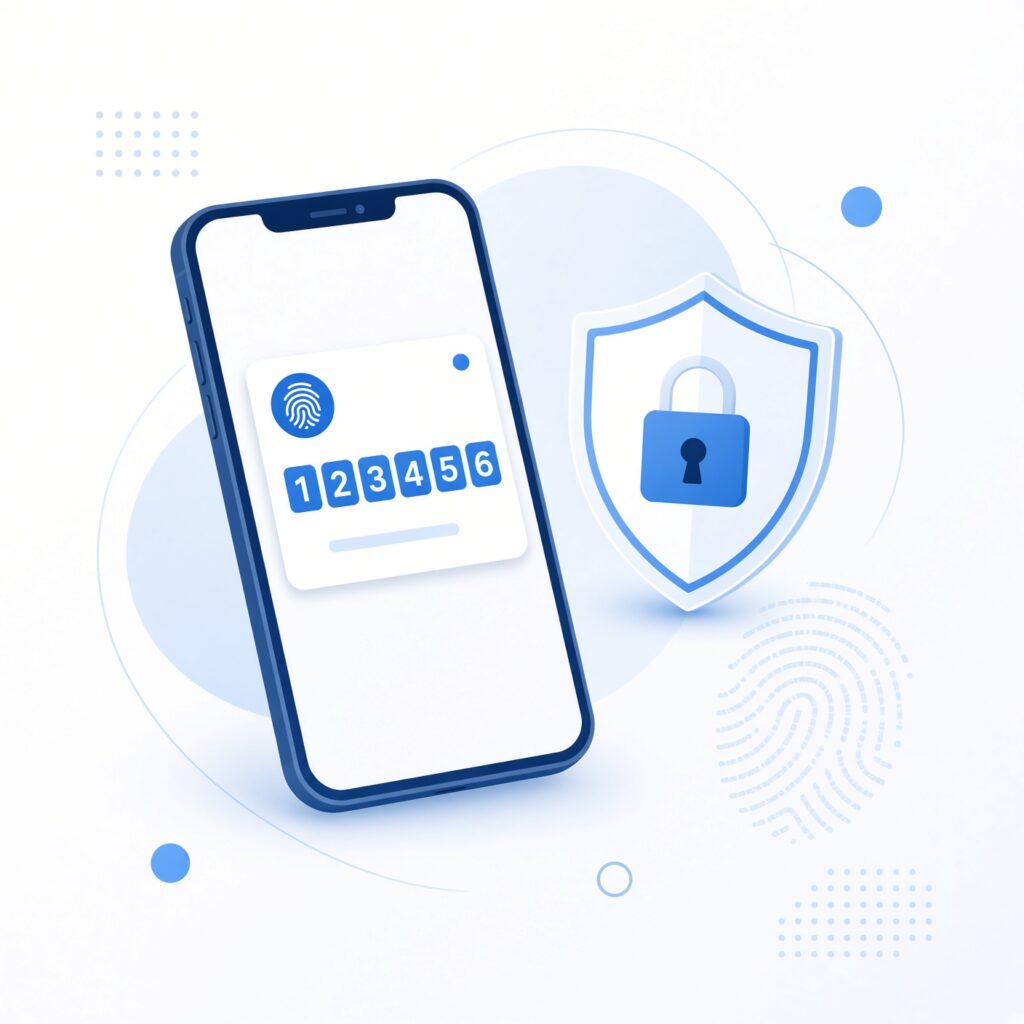
When you enable SMS 2FA, you combine something you know (your password) with something you have (your mobile phone number capable of receiving text messages).
When logging into a secure service from a new device, the platform generates a random 4-to-6-digit code and transmits it via SMS to your phone number. You then type that code into the login screen to prove that you are in physical possession of your mobile phone.
Why SMS 2FA Became the Industry Standard
Despite its current security flaws, SMS 2FA became the ubiquitous security measure across the internet for several logical reasons:
- Universal Accessibility: Almost every human being in the modern world owns a mobile phone capable of receiving text messages, regardless of whether it is a high-end smartphone or a basic feature phone.
- Ease of Use: Users do not need to download specialized apps, configure complex settings, or carry external hardware tokens. The process leverages an existing, familiar communication channel.
- Low Barrier for Developers: For software developers and website administrators, integrating SMS gateway APIs (such as Twilio or Nexmo) is straightforward, cost-effective, and easy to deploy globally.
Because of these factors, banks, tech giants, and e-commerce stores rushed to adopt SMS 2FA, training millions of users to look for a text message whenever they logged into an important service.
The Hidden Vulnerabilities: Why SMS 2FA Is No Longer Secure
While SMS 2FA provides basic protection against casual hackers and automated credential-stuffing bots, it suffers from inherent architectural flaws rooted in the legacy design of the telecommunications network.
The primary telecommunications protocol used to route text messages globally is called SS7 (Signaling System 7), which was developed in the 1970s. SS7 was designed for reliability and global connectivity, not for high-stakes security or encryption. As a result, it contains fundamental trust vulnerabilities that sophisticated cybercriminals actively exploit today.
Below are the primary attack vectors that compromise the safety of SMS two-factor authentication.
1. SIM Swapping (SIM Hijacking)
SIM swapping is one of the most destructive and prevalent threats facing SMS 2FA users. In this attack, a malicious actor gathers personal information about you—such as your full name, phone number, address, and date of birth—often sourced from social media or dark web data breaches.
Armed with this information, the scammer contacts your mobile carrier’s customer support impersonating you. They might claim that your phone was lost or damaged and request that your phone number be transferred (“swapped”) to a new SIM card sitting inside the attacker’s phone.
Once the carrier completes the transfer, your phone loses cellular service, and all incoming text messages (including your vital 2FA authentication codes) route directly to the criminal. They can then effortlessly reset your passwords and lock you out of your financial, email, and social accounts.
2. Interception via SS7 Flaws and Rogue Cell Towers
Because the SS7 network relies on trust between telecom operators worldwide, attackers can exploit structural weaknesses to intercept traffic. Advanced hackers or state-sponsored actors can reroute or eavesdrop on text messages traveling across the global cellular network without needing physical access to your device.
Similarly, criminals can deploy fake cell towers known as IMSI-catchers or “Stingrays.” These portable devices mimic legitimate cellular base stations, tricking nearby mobile phones into connecting to them instead of your carrier’s actual tower. Once connected, the rogue tower can intercept incoming SMS messages and capture your 2FA codes in transit.
3. Malware and Mobile Spyware
Many people forget that their smartphones are essentially powerful computers running operating systems that can be compromised by malware. If your phone becomes infected with malicious software (often downloaded via phishing apps, malicious links, or unofficial app stores), attackers can covertly read your incoming text messages.
While banking trojans have historically targeted Android devices due to their more permissive app installation policies, iOS devices are not entirely immune to sophisticated spyware exploits. Once malware gains permission to read notifications or SMS inboxes, any security code sent via text message becomes instantly accessible to the hacker.
4. Physical Theft and Interception of Unlocked Devices
A simpler, low-tech risk involves the physical security of your device. If your smartphone is stolen or left unattended while unlocked, anyone can view incoming preview banners of SMS messages on your lock screen.
Even if your phone is locked, some operating systems display the content of incoming notifications on the lock screen by default. A thief can initiate a password reset on your accounts and read the arriving SMS verification code immediately, bypassing your lock screen security entirely.
Real-World Consequences: The Impact of Compromised SMS Codes

The security flaws associated with SMS 2FA are not merely theoretical; they have resulted in devastating financial and personal consequences for victims worldwide.
- Financial Theft: Cryptocurrency investors and high-net-worth individuals have lost millions of dollars after attackers performed SIM swaps to drain digital wallets and exchange accounts secured solely by SMS 2FA.
- Identity Theft and Extortion: When criminals hijack your primary email account via SMS interception, they gain access to password reset links for virtually every other service you use. They can lock you out of your digital life, impersonate you to scam your friends and family, or hold your data for ransom.
- Reputational Damage: Corporate executives and public figures have experienced high-profile social media account takeovers, where attackers used intercepted SMS codes to post fraudulent content or cryptocurrency scams.
Recognizing these severe risks, standard-setting bodies like the National Institute of Standards and Technology (NIST) officially deprecated SMS-based authentication in government and high-security guidelines years ago, urging organizations to transition toward stronger verification methods.
Better Alternatives: How to Secure Your Accounts Beyond SMS
Given the clear vulnerabilities of text message verification, migrating away from SMS 2FA is one of the most impactful steps you can take to harden your digital security posture. Several superior alternatives offer robust protection against modern cyber threats:
1. Authenticator Apps (TOTP)
Time-based One-Time Password (TOTP) applications generate rotating 6-digit codes directly on your device offline. Because these codes are generated locally via an encrypted algorithm and do not travel across the cellular network, they are immune to SIM swapping, SS7 interception, and rogue cell towers.
- Popular Options:Google Authenticator, Microsoft Authenticator, Authy, Duo Mobile, and open-source alternatives like Aegis Authenticator or Ente Auth.
- How It Works: When setting up 2FA, you scan a QR code using the authenticator app. Both your device and the service share a secret key, allowing your app to generate matching codes every 30 seconds.
2. Hardware Security Keys (FIDO2 / WebAuthn)
Hardware security keys represent the gold standard of modern authentication. These are small physical devices—such as a YubiKey or Google Titan Key—that you plug into your computer via USB or tap against your smartphone via NFC.
- Why They Are Superior: Hardware keys utilize public-key cryptography. They are completely immune to phishing attacks because the physical key verifies the legitimate website domain before releasing cryptographic credentials. If you visit a fake phishing site, the hardware key will refuse to authenticate, protecting you even if you are tricked into clicking a malicious link.
3. Passkeys
Emerging as the ultimate successor to traditional passwords and standard 2FA, Passkeys replace passwords entirely with cryptographic key pairs stored securely in your device’s secure enclave (such as Apple iCloud Keychain, Google Password Manager, or 1Password). Passkeys offer the ultimate combination of maximum security and frictionless user experience, requiring only your face, fingerprint, or PIN to log in instantly.
Best Practices for Maximizing Your Online Safety
Transitioning away from SMS 2FA is a major milestone, but maintaining robust online hygiene requires a holistic approach to cybersecurity. Implement these essential best practices to safeguard your digital footprint:
- Audit Your Accounts Today: Log into your primary email, financial, social media, and cloud storage accounts. Navigate to their security settings and disable SMS 2FA wherever stronger alternatives (like authenticator apps or hardware keys) are supported.
- Add Carrier PINs and Passcodes: If you must use SMS 2FA for certain legacy services that do not support authenticator apps, contact your mobile phone carrier immediately. Request that a strict verbal PIN, password, or secondary security question be added to your account to prevent unauthorized SIM swaps.
- Never Share 2FA Codes: Legitimate companies, bank representatives, and customer support agents will never ask you to read back an SMS verification code over the phone or via chat. If someone asks for your code, it is guaranteed to be a social engineering attack.
- Use a Reputable Password Manager: Combine strong 2FA with unique, complex passwords for every single online account. Never reuse passwords across multiple websites.
- Keep Your Software Updated: Regularly update your smartphone operating system, web browsers, and apps to patch critical security vulnerabilities that malware exploits.
Is SMS 2FA Still Worth Using?

To summarize, SMS two-factor authentication is significantly better than having no second factor at all, as it successfully blocks unsophisticated, automated credential-stuffing attacks launched by script kiddies.
However, in an era defined by targeted SIM swapping, sophisticated phishing campaigns, and telecom network vulnerabilities, SMS 2FA is no longer safe for securing high-value accounts.
If you want true peace of mind and robust protection against modern cybercriminals, take the time today to upgrade your critical accounts to authenticator apps, hardware security keys, or passkeys. Your digital security is only as strong as its weakest link—making the switch away from SMS is one of the smartest investments you can make in your online safety.