Authenticator Apps vs. SMS Codes: Which Is Safer?

Every day, you log into your email, bank accounts, social media profiles, and work portals. Most of the time, you enter your username and password, and you are good to go. But let’s be honest: how secure is that password? Even if you use a complex password, data breaches happen all the time. Billions of login credentials are leaked, stolen, and sold on the dark web every year.
Because passwords alone are no longer enough to keep hackers out, platforms now require an extra layer of security known as Two-Factor Authentication (2FA) or Multi-Factor Authentication (MFA). When you enable 2FA, you have to provide two different forms of identification before you can access your account.
Typically, these two factors fall into categories like:
- Something you know (your password)
- Something you have (your smartphone or a security key)
- Something you are (your fingerprint or facial recognition)
For years, the most common method of delivering that second factor has been a simple text message (SMS) sent to your mobile phone containing a verification code. However, cybercriminals have found clever ways to bypass text messages. This has led to the rise of a much safer alternative: authenticator apps like Google Authenticator, Authy, Microsoft Authenticator, and Duo.
If you are wondering whether you should stick to text messages or switch to an authenticator app, this comprehensive guide will break down the differences, expose the hidden vulnerabilities of SMS, explain how authenticator apps work under the hood, and help you bulletproof your digital footprint.
Understanding the Fundamentals of Two-Factor Authentication (2FA)
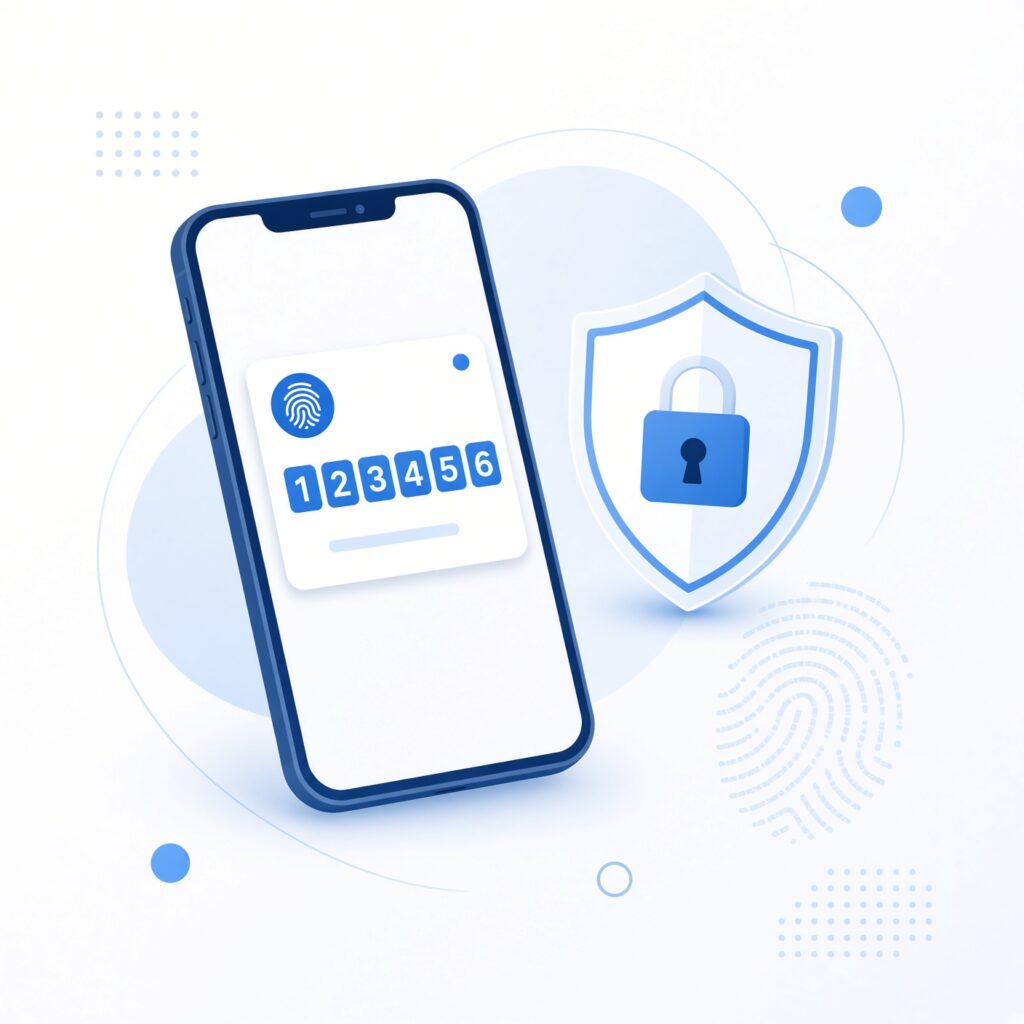
Before diving into the direct comparison between authenticator apps and SMS codes, it helps to understand why 2FA is an absolute necessity in modern cybersecurity.
A single password is a single point of failure. If a hacker guesses, cracks, or steals your password through a phishing scam or a corporate data breach, they have a master key to your digital kingdom. They can lock you out, steal your identity, drain your bank accounts, or impersonate you to scam your friends and family.
Two-factor authentication adds a locked deadbolt behind that door. Even if an unauthorized person manages to discover your password, they cannot log into your account unless they also possess the second verification factor.
Why Standard Passwords Are Failing Us
- Human Error: People reuse passwords across multiple websites. If a low-security shopping site gets hacked, hackers try that same email and password combination on high-value targets like PayPal, Gmail, and banking apps (a technique known as credential stuffing).
- Phishing Scams: Sophisticated fake websites trick users into typing their passwords and live codes directly into attacker-controlled servers.
- Brute-Force Attacks: Automated software programs can test millions of password combinations per second until they find the right one.
By requiring a secondary confirmation step, 2FA drastically reduces the success rate of automated attacks. However, not all 2FA methods are created equal. The method used to deliver or generate that second code determines your actual level of protection.
How SMS Verification Codes Work and Their Hidden Vulnerabilities
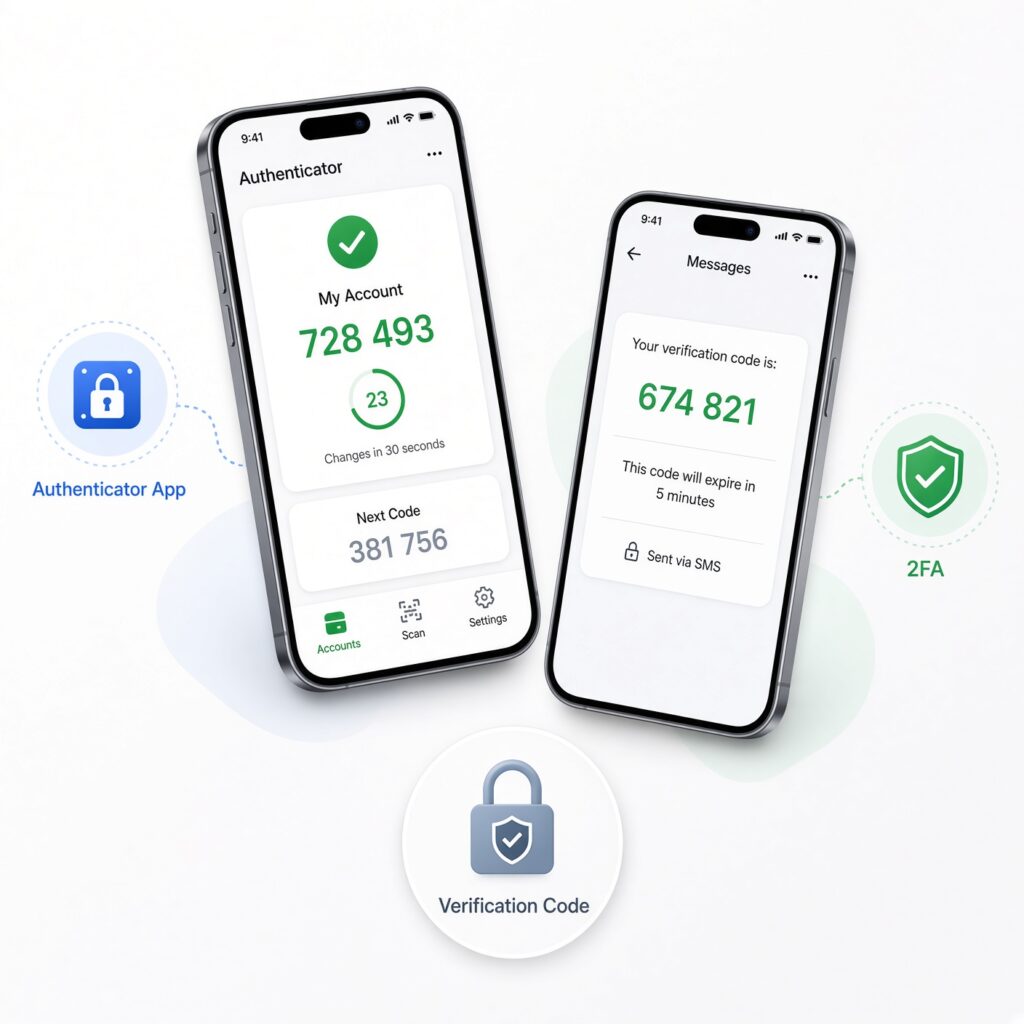
For nearly two decades, SMS text message verification has been the industry standard. When you log into a service, the server generates a random 6-digit code and transmits it over the cellular network to your mobile phone number. You read the message, type the numbers into the login screen, and gain access.
It feels convenient because your phone number is always tied to you, and you do not need to install any special software. But behind this apparent simplicity lies a web of severe security flaws.
The Illusion of Security: Why SMS Is Vulnerable
While getting a text message feels secure because it happens on your physical device, SMS was designed decades ago with zero consideration for modern cybersecurity threats. Telecommunication networks transmit text messages in clear, unencrypted text across global signaling systems.
Here are the primary ways hackers bypass SMS codes:
1. SIM Swapping Attacks
A SIM swap (also known as SIM hijacking or port-out scams) occurs when a cybercriminal contacts your mobile carrier posing as you. Using personal information gathered from social media, public records, or data leaks, the attacker convinces customer support to transfer your phone number to a new SIM card controlled by them. Once the carrier makes the switch, your phone loses service, and all your incoming text messages—including your bank and email 2FA codes—go directly to the hacker’s phone.
2. Interception via SS7 Flaws
The Signaling System 7 (SS7) protocol is the digital backbone that allows telecommunication networks around the world to talk to each other. SS7 contains inherent structural vulnerabilities that allow sophisticated attackers to intercept, reroute, or monitor voice calls and text messages. Nation-states and advanced criminal syndicates have used SS7 exploits to silently intercept SMS 2FA codes without the victim ever knowing.
3. Malware and Mobile Spyware
If your smartphone gets infected with malicious software (malware), rogue apps can read your incoming text message notifications. While Android devices are more historically prone to this type of interception due to open app sideloading permissions, even sophisticated iOS exploits have been deployed to intercept notifications and capture text verification codes.
4. Interception via Rogue Cell Towers (IMSI Catchers)
Also known as “Stingrays,” International Mobile Subscriber Identity (IMSI) catchers are devices that mimic legitimate cellular towers. Mobile phones in the immediate vicinity automatically connect to the strongest signal, which happens to be the fake tower. The attacker can then intercept all traffic passing through that tower, including incoming SMS verification codes.
How Authenticator Apps Work: Time-Based One-Time Passwords (TOTP)
Authenticator apps take a completely different approach to securing your accounts. Instead of relying on telecommunication carriers, cellular networks, or text messages, these apps generate verification codes locally right on your device using cryptographic algorithms.
The underlying technology that powers almost all major authenticator apps is known as TOTP (Time-Based One-Time Password), standardized by the Internet Engineering Task Force (IETF) as RFC 6238.
The Mechanics of TOTP
When you set up an authenticator app for a service (such as Google, Amazon, or a cryptocurrency exchange), a secure handshake occurs:
- The service’s server generates a unique, secret cryptographic key specifically for your account.
- The server displays this secret key as a QR code on your computer screen.
- You open your authenticator app (e.g., Google Authenticator) and scan the QR code with your phone camera.
- Your app and the remote server now share the exact same secret key.
From that moment forward, your authenticator app and the server use that shared secret key combined with the current exact time of day to compute a rolling 6-digit code. Every 30 seconds, the code expires and a brand new one is generated.
Because the code is generated locally on your phone using math and time, no internet connection or cellular service is required to generate codes. You can be in an airplane mode, deep in a basement, or traveling internationally without a local SIM card, and your authenticator app will still generate valid codes.
Popular Authenticator App Options
- Google Authenticator: Simple, lightweight, and widely compatible, though older versions lacked cloud backup capabilities (newer versions now support syncing across Google accounts).
- Authy (Twilio): Highly popular because it offers multi-device synchronization and encrypted cloud backups, making it easy to recover your tokens if you lose your phone.
- Microsoft Authenticator: Excellent for corporate and personal accounts, offering convenient push notifications for supported platforms in addition to standard TOTP codes.
- Duo Mobile: Trusted heavily by enterprise IT departments and universities for secure workplace authentication.
- Bitwarden / 1Password: Many modern password managers now include built-in authenticator app functionality, allowing you to store your passwords and your 2FA TOTP codes in one secure, encrypted vault.
Deep Comparison: Security, Convenience, and Reliability
To make an informed decision about your digital security posture, let’s compare Authenticator Apps and SMS Codes across four critical categories: security resilience, ease of use, offline reliability, and recovery options.
| Comparison Metric | SMS Codes | Authenticator Apps (TOTP) |
|---|---|---|
| Transmission Security | Low (Sent in plaintext over telecom networks) | High (Generated locally on device via cryptography) |
| Vulnerability to SIM Swapping | Extremely High (Targeted by criminals daily) | Zero (No carrier or phone number dependency) |
| Vulnerability to Phishing | High (Easily entered into fake phishing portals) | Medium/Low (Some advanced phishing proxies can intercept, but vastly superior) |
| Cellular Dependency | Required (Must have cell signal and active SIM) | None (Works entirely offline via local timekeeping) |
| Convenience | Automatic auto-fill on mobile devices | Requires switching apps to copy a 6-digit code |
| Backup & Recovery | Easy (Carrier restores number to new phone) | Requires saving manual setup keys or cloud sync setup |
1. Security Resilience
Authenticator apps win this category by a landslide. Because TOTP codes never travel across cellular networks, attackers cannot intercept them via SIM swapping, SS7 exploits, or IMSI catchers. Even if a malicious actor completely takes over your phone number at your cellular provider, they cannot generate the rolling 6-digit codes required to log into your accounts unless they physically unlock your smartphone.
2. Convenience and User Experience
SMS codes hold a slight edge in raw convenience. When you receive an SMS verification code on your smartphone, modern mobile operating systems (iOS and Android) automatically parse the notification and display a quick-fill prompt above your keyboard, allowing you to tap and insert the code instantly without opening another application.
With authenticator apps, you must switch away from your browser or app, open your authenticator app, locate the correct account entry, tap the code to copy it to your clipboard, return to your login screen, and paste it. While this adds about three seconds to your login routine, that minor friction is a massive barrier for automated cybercriminals.
3. Reliability and Travel
SMS verification often fails travelers. If you travel internationally, switch your SIM card, or find yourself in a building with poor cellular reception, verification text messages may be delayed by hours or fail to arrive entirely, locking you out of your vital accounts. Authenticator apps operate independently of cellular coverage, making them infinitely more reliable for frequent flyers and remote workers.
Real-World Attack Scenarios: How SMS Fails Where Apps Succeed
To truly understand why cybersecurity experts urge everyday users to ditch SMS, it helps to examine real-world threat scenarios that happen thousands of times every day.
Scenario A: The SIM Swapping Heist
Imagine Sarah has her bank account, cryptocurrency wallet, and primary email protected by SMS 2FA. A hacker obtains Sarah’s phone number and home address from a data broker leak. The hacker calls Sarah’s mobile carrier, impersonates her, claims she lost her phone, and asks to port her number to a new eSIM card.
Within minutes, Sarah’s phone loses signal. Meanwhile, the hacker logs into her bank and email. The bank sends an SMS verification code to confirm a large funds transfer. The code goes straight to the hacker’s device. The transfer is approved, and Sarah is completely locked out of her accounts before she even realizes her cellular service is down.
Had Sarah used an authenticator app instead of SMS, the hacker would have been stopped cold at the login screen.
Scenario B: The Advanced Phishing Trap
Phishing remains the most common entry point for cyberattacks. Attackers build convincing replica websites mimicking popular SaaS platforms, financial institutions, or social networks.
When a victim visits a fake phishing site and types in their password, the site’s backend immediately forwards that password to the real website. When the real website triggers an SMS verification code, the victim receives the text message, types the code into the phishing site, and hands the keys to the attacker.
While advanced phishing proxies (such Evilginx) can sometimes trick users of both SMS and basic authenticator apps by proxying requests in real-time, hardware security keys and advanced token-based systems provide much tighter defense than a static text message that can be instantly forwarded or read from notification banners.
Best Practices for Securing Your Accounts Beyond Basic 2FA
Switching from SMS codes to authenticator apps is a monumental leap forward in your online safety, but it should not be where your security journey ends. To achieve maximum protection across your digital life, implement these foundational cybersecurity best practices:
1. Audit Your Existing Accounts
Go through your critical online accounts—starting with your primary email addresses, cloud storage, password managers, financial institutions, and social media profiles—and check your security settings. If any account is currently using SMS 2FA or email-based verification, switch it to an authenticator app immediately.
2. Secure Your Master Password Vault
If you are not already using a reputable password manager (such as Bitwarden, 1Password, or Dashlane), start today. A password manager generates and stores complex, unique passwords for every website you visit, ensuring that a data breach on one site never compromises your other accounts. Make sure your password manager master account is secured with a robust authenticator app.
3. Save Your Emergency Backup Codes
Whenever you set up an authenticator app for a service, the platform will typically provide a list of one-time emergency backup codes (often 8 to 10 alphanumeric codes). Print these codes out or store them securely offline. If you lose your smartphone, drop it in the ocean, or buy a new device without cloud syncing enabled, these backup codes are your only lifeline to regain access to your accounts.
4. Upgrade to Hardware Security Keys for Ultimate Protection
If you manage high-value financial assets, sensitive business data, or cryptocurrency holdings, consider upgrading from standard authenticator apps to physical hardware security keys (such as YubiKey or Google Titan). These small USB/NFC devices plug into your computer or tap your phone, providing phishing-proof cryptographic authentication that represents the absolute gold standard of modern digital security.
Making the Definitive Switch Today

The verdict in the debate between authenticator apps and SMS codes is clear, undisputed, and absolute: Authenticator apps are vastly superior, significantly more reliable, and infinitely safer than SMS text messages.
SMS codes were built for an era of telecommunication that no longer exists—an era before sophisticated SIM hijacking rings, global SS7 surveillance, and automated phishing toolkits. Relying on text messages to protect your digital identity is like locking your front door with a piece of string while leaving the windows wide open.
By migrating your accounts to authenticator apps like Authy, Google Authenticator, or integrated password manager TOTP vaults, you neutralize entire classes of automated attacks and take back control of your digital privacy.
Take 15 minutes today to audit your accounts, phase out SMS verification wherever possible, and secure your digital life for the modern threat landscape. Your future self will thank you.