What Is QR Code Phishing and How Can You Stay Safe?

Over the past few years, Quick Response (QR) codes have quietly woven themselves into the fabric of daily life. From ordering food at a local restaurant and paying for parking to boarding flights and logging into secure corporate networks, these pixelated black-and-white squares offer unmatched convenience. With just a quick flick of a smartphone camera, you are instantly transported to a website, a digital menu, or an app download page.
However, this convenience has a dark side. Cybercriminals have quickly realized that human habits have shifted: people trust QR codes blindly. Because you cannot easily read a destination URL just by looking at a printed square of pixels, attackers have found a lucrative new playground. This cyber threat is known as QR code phishing, or more colloquially, “quishing.”
If you want to protect yourself, your family, or your business from falling victim to these stealthy scams, understanding how quishing works is the first and most crucial step. In this comprehensive guide, we will break down what QR code phishing is, how scammers manipulate these codes, real-world examples, and actionable, easy-to-follow steps to keep your digital life secure.
What Is a QR Code and Why Are They Everywhere?

Before diving into the mechanics of quishing, it helps to understand what a QR code actually is. Invented in 1994 by the Japanese automotive company Denso Wave, QR codes are two-dimensional bar codes designed to store information both horizontally and vertically. While traditional barcodes can only hold a small amount of numeric data (usually up to 20 digits), a QR code can hold thousands of characters of information, including website URLs, plain text, phone numbers, and Wi-Fi credentials.
The COVID-19 pandemic acted as a massive catalyst for mainstream adoption. To minimize physical contact, businesses worldwide replaced physical menus, pamphlets, and payment terminals with QR codes. People became accustomed to scanning codes without a second thought. Unfortunately, cybercriminals study behavioral trends closely, and the widespread normalization of scanning unverified codes created an ideal environment for large-scale fraud.
What Is QR Code Phishing (Quishing)?
QR code phishing, or quishing, is a specialized form of social engineering and phishing attacks. Traditional phishing typically relies on deceptive emails containing malicious links or attachments designed to trick you into revealing sensitive information, such as passwords, credit card numbers, or social security numbers.
Quishing uses the exact same psychological manipulation, but instead of embedding a clickable link in an email, text message, or social media post, the attacker encodes a malicious link inside a QR code.
When you scan the code using your smartphone camera, your phone automatically reads the encoded URL and prompts you to open the link in your web browser. Because human eyes cannot read the underlying URL embedded in the pattern of dots and squares, you are flying blind. You have no way of knowing whether the code leads to a legitimate login portal or a sophisticated spoofed website designed to steal your credentials.
How Do Cybercriminals Execute Quishing Attacks?
Attackers use a variety of clever delivery mechanisms to distribute malicious QR codes. Understanding these vectors will help you spot them in the wild.
1. Phishing Emails and Direct Messages
Quishing often begins digitally. You might receive an urgent email or text message appearing to come from a trusted organization—such as your bank, a delivery service like FedEx or UPS, or a subscription service like Netflix. The message might claim that there is a problem with your account, a failed package delivery, or an urgent security alert.
Instead of asking you to click a link, the message displays a QR code. It might say, “Scan this QR code with your smartphone camera to verify your identity,” or “Scan here to reschedule your delivery.” Once scanned, you are directed to a fake login page that looks identical to the real service, capturing any credentials you type in.
2. Physical Tampering in Public Spaces
Physical quishing is perhaps the most insidious variant because it targets people in everyday environments where they feel safe. Attackers print malicious QR code stickers and physically paste them over legitimate QR codes found in public spaces.
Common targets include:
- Parking Meters and Pay Stations: Scammers place fake stickers over official payment QR codes, directing drivers to fraudulent payment portals that harvest credit card details.
- Restaurant Tables: Fake stickers placed over restaurant menus lead diners to malicious sites or malware downloads instead of food menus.
- Public Transit and Billboards: Fraudulent transit schedules or promotional posters can hide malicious links.
- Electric Vehicle (EV) Charging Stations: Similar to parking meters, charging stations are prime targets where users enter payment information quickly and under time pressure.
3. Fake Invoices and Paper Mail
Small business owners and homeowners frequently receive physical mail, utility bills, or invoices containing QR codes for “quick and easy bill payment.” Scammers forge these invoices to look completely authentic, tricking victims into scanning and paying fake bills or inputting banking credentials into malicious portals.
The Psychology Behind Quishing: Why People Fall Victim
Why are quishing attacks so effective? Cybercriminals rely heavily on human psychology, exploiting specific cognitive biases and habits:
- The Trust Bias: People inherently trust physical environments. If a QR code is printed on a professional-looking sticker on a parking meter or a restaurant table, our brains assume it is legitimate and safe.
- The Urgency Factor: Phishing messages often create a false sense of urgency—such as threat of a fee, account suspension, or missed delivery—which causes victims to act impulsively without stopping to think critically.
- Lack of Visual URL Preview: When you hover your mouse cursor over a link on a desktop computer, your browser displays the destination URL in the bottom corner of the screen, allowing you to spot suspicious domains. Mobile devices rarely provide this immediate transparency when scanning a QR code natively, making it harder to detect anomalies before opening the link.
The Hidden Dangers: What Happens When You Scan a Malicious QR Code?
When you interact with a malicious QR code, several dangerous things can happen depending on the attacker’s ultimate objective:
Credential Harvesting
The most common outcome is directing you to a spoofed landing page. This page mimics a popular service (like Microsoft 365, Google, Apple ID, or banking portals). Once you enter your username, password, or multi-factor authentication (MFA) codes, the attackers capture your credentials in real-time and gain unauthorized access to your accounts.
Malware Downloads
Some malicious QR codes trigger an automatic download of a malicious file or application onto your smartphone. This malware might be spyware designed to track your location and keystrokes, ransomware that locks your device files, or trojans that steal financial data stored in mobile apps.
Financial Fraud and Direct Payments
Fake payment portals can trick you into authorizing fraudulent transfers, subscribing to hidden monthly fees, or handing over credit card CVV numbers under the guise of paying a nominal fee or shipping cost.
Essential Best Practices: How to Protect Yourself from QR Code Phishing
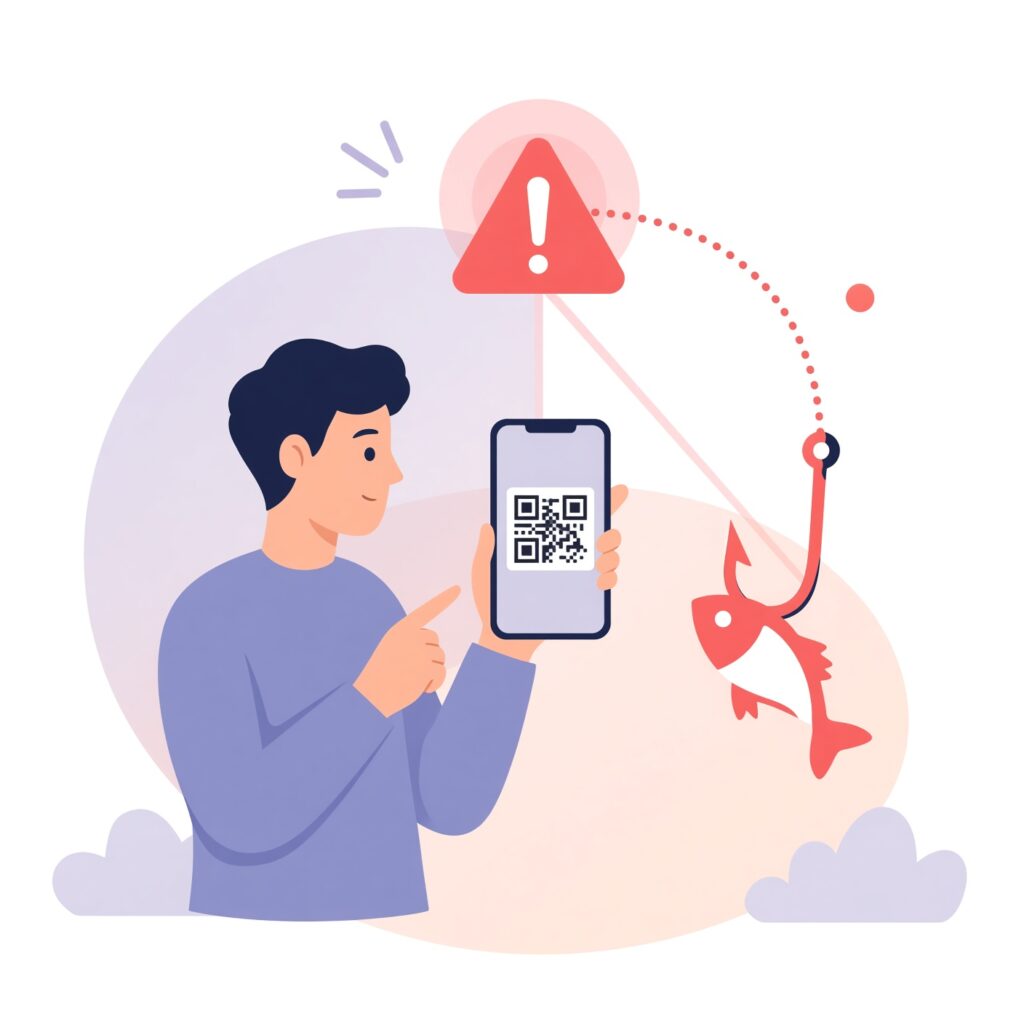
Fortunately, protecting yourself from quishing does not require a degree in cybersecurity. By adopting a few smart habits and maintaining a healthy level of digital skepticism, you can drastically reduce your risk.
1. Inspect the URL Before Opening It
Whenever you scan a QR code, your smartphone camera or QR reader app should display a preview of the destination URL before opening the web browser. Take a second to look at this URL.
- Does the domain name look correct? (e.g., look out for misspellings like
g00gle.comor strange extensions like.co.ccinstead of.com). - Does a brand name you trust match the actual domain? If a QR code claims to be from your bank, but the URL preview shows a random string of characters or an unrelated domain name, do not open it.
2. Use Secure QR Reader Apps with URL Preview
Many modern smartphones (including newer versions of iOS and Android) feature built-in camera apps that automatically preview URLs. However, if you use a third-party QR code scanning app, make sure it has a built-in safety feature that checks links against known threat intelligence databases or forces a manual preview confirmation before launching the browser.
3. Be Skeptical of Public QR Codes
Exercise caution when interacting with QR codes in public places, especially those relating to payments, ticketing, or account logins.
- Check if the QR code looks like a sticker placed over an original print. If the sticker peels easily or feels out of place, avoid scanning it.
- If you need to pay for parking or a restaurant meal, consider typing the official website URL directly into your mobile browser or using an official, verified app downloaded from the Apple App Store or Google Play Store instead of scanning a random code.
4. Verify the Source of Digital Communications
If you receive a QR code via email, text message, or social message claiming to be from a company or institution you know, verify the request through an independent channel. Do not scan the code immediately. Instead, go directly to the company’s official website or call their official customer service number to verify if the request is genuine.
Advanced Security Measures for Mobile Devices
For individuals looking to add extra layers of defense to their smartphones, consider implementing these advanced security measures:
- Keep Your Operating System Updated: Regularly update your iPhone or Android device. Mobile operating system updates frequently patch critical security vulnerabilities that attackers might exploit through malicious links or drive-by downloads.
- Install Reputable Mobile Security Software: Consider using a trusted mobile security or antivirus app from a well-known cybersecurity vendor. Many of these applications include real-time link scanners that automatically analyze web pages and block malicious phishing sites before they load.
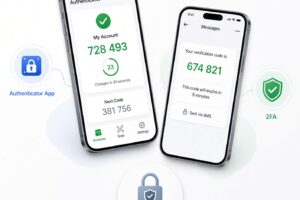
- Enable Multi-Factor Authentication (MFA): Protect all your important online accounts (email, banking, social media) with strong multi-factor authentication. Preferably, use hardware security keys or authenticator apps rather than SMS-based codes, which can be intercepted. Even if a quishing attack compromises your password, MFA can act as a crucial secondary barrier against unauthorized access.
What to Do If You Accidentally Scan a Suspicious QR Code
Mistakes happen. If you realize you scanned a suspicious QR code or entered your information into a questionable website, do not panic—take immediate action:
- Disconnect from the Internet: Immediately turn off Wi-Fi and cellular data on your phone to prevent any active malware from communicating with command-and-control servers or transmitting stolen data.
- Close the Browser Tab: Close the web page immediately and clear your browser cache and history.
- Change Your Passwords: If you entered any login credentials or personal information, change your passwords immediately from a secure, trusted device. Also, update your multi-factor authentication settings and check your account activity logs for unauthorized access.
- Run a Security Scan: Run a reputable mobile security scan to check for unauthorized application installations or downloaded files.
- Monitor Financial Accounts: If you entered credit card or banking details, contact your financial institution immediately to freeze cards, report fraudulent activity, and monitor statements closely.
QR codes are here to stay. They offer incredible efficiency and convenience, making everyday tasks smoother and faster. However, as technology evolves, so do the tactics of cybercriminals. Quishing proves that even the most mundane physical objects—like a restaurant menu or a parking meter—can be weaponized by bad actors seeking to exploit trust.
By maintaining healthy skepticism, inspecting destination URLs before opening them, avoiding unverified public codes, and practicing good digital hygiene, you can enjoy the convenience of modern technology without compromising your personal security. Stay vigilant, think before you scan, and keep your digital footprint safe!