How to Create Strong Passwords That Are Hard to Hack

Every single day, billions of people log into their email accounts, social media profiles, banking portals, and work dashboards using passwords that could be guessed by a basic computer script in mere seconds. Think about your own digital footprint. How many online accounts do you currently maintain? Thirty? Fifty? More? If you are like the average internet user, you probably reuse a variation of two or three favorite passwords across many of those platforms.
This habit is convenient, but it is also the single largest security risk you face online. When a hacker breaches a minor shopping website where you once bought a single item, they do not just get your email address for that store. They often get your password hash. Automated tools will immediately take that exact combination and test it against your bank, your primary email, your cloud storage, and your social media accounts in what cybersecurity professionals call a “credential stuffing” attack.
Creating a strong, impenetrable password is no longer an optional chore reserved for paranoid IT professionals. It is the absolute foundation of your personal online safety. In this comprehensive guide, we will break down everything you need to know about modern password security, how hackers actually crack codes, why the traditional advice you heard a decade ago is now dangerously outdated, and how you can build a fortress of digital credentials without losing your sanity trying to remember them all.
Why Traditional Passwords Fail: Understanding the Hacker’s Toolkit
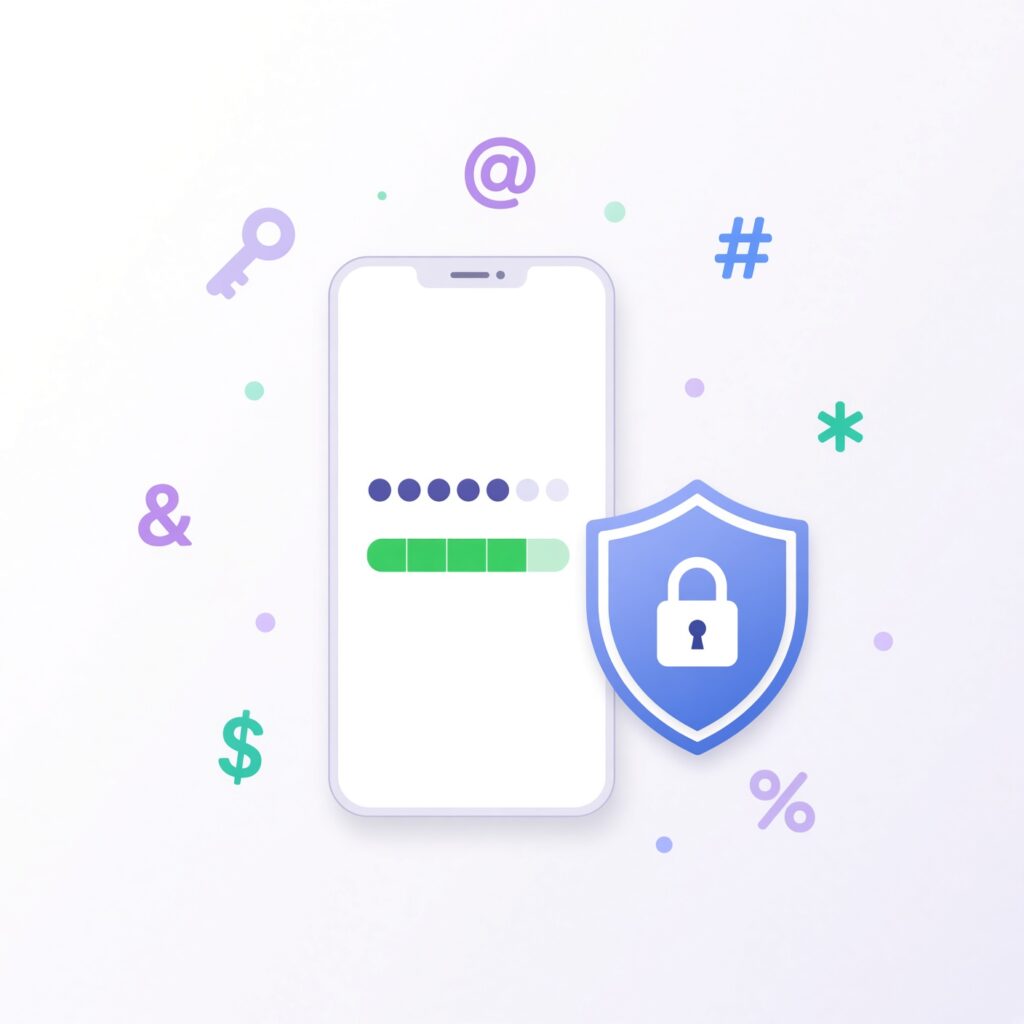
To understand how to build a password that is genuinely hard to hack, you first need to understand how modern cybercriminals attack your accounts. Gone are the days when a hacker sat in a dark room typing random words into a login screen until they hit the right combination. Today, password cracking is fully automated, lightning-fast, and powered by massive computing clusters and artificial intelligence.
Brute-Force and Dictionary Attacks
A brute-force attack involves a computer program systematically guessing every possible combination of letters, numbers, and symbols until it finds the correct one. The speed at which this happens depends almost entirely on the length and complexity of your password.
Complementing brute-force attacks are dictionary attacks. Cybercriminals do not waste time guessing random strings of characters if they can search through pre-compiled lists containing millions of commonly used words, slang terms, pet names, sports teams, and birthdates. If your password is built around a standard English word—even if you replace the letter “E” with a number “3”—a dictionary attack will crack it in less than a second.
Credential Stuffing and Data Breaches
Data breaches happen with alarming frequency. Corporations, healthcare providers, and online retailers lose millions of user records every year. When hackers acquire these databases, they run automated bots that instantly test those stolen username and password pairs across thousands of other popular websites. Because humans are creatures of habit who love convenience, credential stuffing succeeds at an astonishing rate. If your password is easy to guess or reused anywhere else, a single minor breach on a forgotten forum can compromise your primary financial accounts.
The Death of Complexity Rules: Length Over Randomness
For years, website security guidelines forced users to create passwords that looked like algebraic equations: P@ssw0rd!2023. While this looked secure, cybersecurity experts now recognize that this approach is flawed for two major reasons. First, humans are terrible at remembering complex substitutions. Second, computers are exceptionally good at guessing them because hackers program their cracking tools to anticipate that people substitute @ for a, ! for i, and 3 for e.
Why Length Matters More Than Special Characters
Modern cryptographic research has proven that password length is exponentially more important than character complexity. Consider the math behind it:
- A short, complex password like
Tr@1!$has 7 characters. Even with symbols and numbers, a modern graphics processing unit (GPU) can crack this short combination through brute force in a matter of seconds. - A long passphrase like
correct-horse-battery-staple(popularized by a famous XKCD webcomic) or a natural string of unrelated words is significantly easier for a human to remember and visualize, yet exponentially harder for a computer to crack simply because of the sheer number of possible character combinations.
When building a strong password, aim for a minimum of 16 characters. Every single character you add to a password multiplies the time and computing power required to crack it by the total number of possible characters on your keyboard. A 16-character password composed of random letters, numbers, and symbols would take billions of years for even the most advanced supercomputer to crack via brute force.
Step-by-Step Guide to Crafting Uncrackable Passwords
Now that you understand the theory behind modern password security, let’s look at practical techniques you can use right now to generate strong credentials that you can actually manage.
The Passphrase Method
Instead of stringing together random letters and numbers that make no sense, use the multi-word passphrase method. Combine four or five completely unrelated words into a single string.
- Weak Example:
Boston12! - Strong Passphrase Example:
Ocean-Towel-Rocket-Notebook-38!
This approach gives you a long character count that thwarts brute-force attacks, while the vivid imagery of unrelated words makes it surprisingly easy for your brain to picture and recall.
The Sentence-Acronym Method
Another reliable technique is to think of a memorable sentence, song lyric, or personal mantra, and use only the first letters of each word, incorporating punctuation and numbers where appropriate.
- Sentence: “I bought my first blue sedan in the summer of 2015 for five thousand dollars!”
- Derived Password:
Ibm1bsitsl2015f5td!
This yields a robust, highly complex 18-character password that looks completely random to an outsider, but stems from a simple, easy-to-remember sentence in your own memory.
What to Avoid at All Costs
When building your passwords, make sure you never include easily discoverable personal information. Hackers routinely scrape social media profiles—Facebook, Instagram, LinkedIn—to harvest personal data before attempting an attack.
- Never use your children’s names, pets’ names, or birthdays.
- Avoid anniversary dates, hometowns, or favorite sports teams.
- Never use sequential keyboard patterns like
qwertyor123456.
The Ultimate Solution: Why You Need a Password Manager
If you follow the advice of creating a unique, 16-character-plus random password for every single online account you own, you will quickly run into a major human limitation: memory overload. It is physically impossible for the human brain to remember dozens of long, randomized strings of text without writing them down on a sticky note—which is one of the worst physical security risks you can take.
This is where a dedicated password manager comes in.
How Password Managers Work
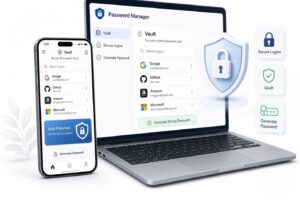
A password manager is a secure, encrypted digital vault that stores all your login credentials in one place. You only need to remember one exceptionally strong master password to unlock the entire vault. The password manager does the heavy lifting:
- It generates ultra-strong, random passwords for every new website you visit.
- It automatically autofills your credentials when you navigate to login pages, protecting you against sophisticated phishing websites that mimic real domains.
- It alerts you if any of your stored passwords have appeared in known third-party data breaches.
Choosing and Trusting a Password Manager
Reputable password managers use industry-standard end-to-end encryption (such as AES-256 bit encryption), meaning your data is encrypted on your local device before it ever touches the cloud. Even the company hosting the service cannot read your master password or view your vault contents. Popular, trusted options include 1Password, Bitwarden, and Dashlane. Investing in a reliable password manager is the single most effective step you can take to upgrade your digital safety overnight.
Layering Your Defense: The Power of Multi-Factor Authentication (MFA)
Even the strongest password in the world can theoretically be compromised if you fall victim to a sophisticated phishing scam or if a massive database leak exposes your plaintext credentials. That is why passwords alone are no longer enough. You must implement Multi-Factor Authentication (MFA)—often referred to as Two-Factor Authentication (2FA)—on every critical account you own.
Understanding the Pillars of Authentication
MFA requires anyone attempting to log into your account to provide two or more verification factors from separate categories:
- Something you know: Your password or PIN.
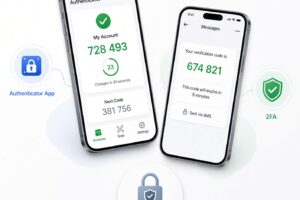
- Something you have: Your smartphone, a hardware security key (like a YubiKey), or an authenticator app.
- Something you are: Biometric data like your fingerprint or facial recognition.
Why SMS Text Messages Are Not Enough
For years, websites used SMS text messages to send verification codes to your phone. While better than a password alone, SMS is vulnerable to a technique known as “SIM swapping,” where hackers trick your mobile carrier into transferring your phone number to a device under their control.
Whenever available, you should choose authenticator apps (such as Google Authenticator, Authy, or Duo) or physical hardware security keys. These methods generate secure, time-based one-time passwords (TOTP) directly on your device, rendering remote interception virtually impossible.
Best Practices for Maintaining Long-Term Digital Hygiene
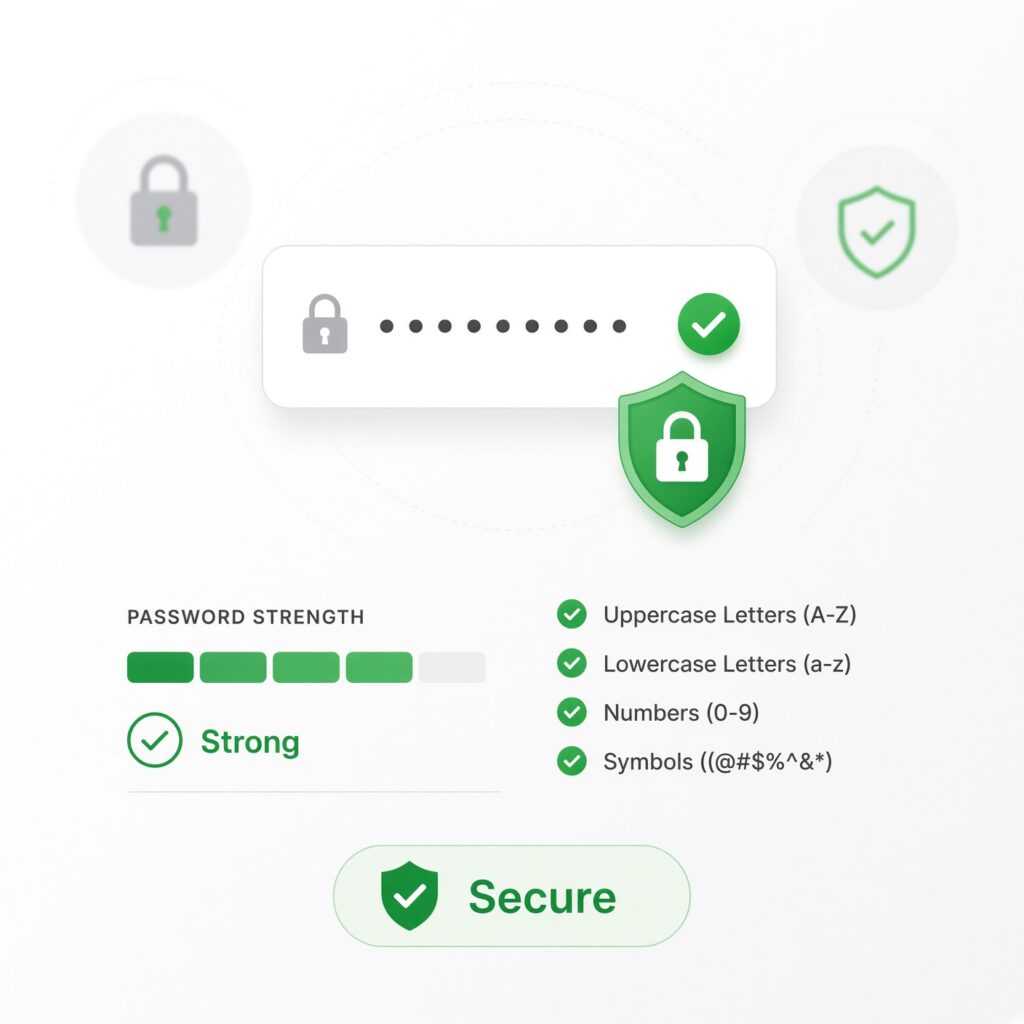
Creating strong passwords and setting up a password manager is an incredible start, but digital security is an ongoing habit rather than a one-time project. Follow these core maintenance rules to keep your digital life secure year-round:
- Never Reuse Passwords: Treat every account as a standalone island. If a minor, unsecured forum gets hacked, a reused password could give cybercriminals the keys to your primary email and bank accounts.
- Audit Your Accounts Regularly: Periodically review which services still hold your active login credentials. Delete old accounts you no longer use to minimize your digital attack surface.
- Stay Vigilant Against Phishing: Cybercriminals frequently impersonate banks, streaming services, or tech giants via email, prompting you to click a link and “reset your password.” Always navigate directly to official websites rather than clicking embedded links in unsolicited messages.
- Update Critical Credentials Immediately: If you receive a notification that a service you use has experienced a data breach, log in immediately, update your password to a new unique string, and ensure your MFA settings remain active.
Take Control of Your Digital Security Today
Your digital identity is tied to nearly every aspect of your modern life—your finances, your private communications, your professional reputation, and your personal memories. Leaving the security of that identity to weak, easily guessable passwords is a risk that simply is not worth taking.
By shifting your mindset away from complex symbols and focusing squarely on length and uniqueness, utilizing a trusted password manager to handle the cognitive load, and locking down your accounts with robust multi-factor authentication, you make yourself a profoundly difficult target for cybercriminals. Take a few minutes today to audit your most important accounts, update your credentials, and build a secure digital foundation that protects you and your peace of mind for years to come.