What Is a Password Manager and Is It Worth Using?

In today’s digital age, managing dozens of online accounts has become a regular part of life. From social media and banking to shopping and work portals, almost every service requires a unique login. However, trying to remember a long list of complex credentials often leads to dangerous habits, such as reusing the same password across multiple sites or writing them down on sticky notes. This is where a password manager comes in, changing how you secure your digital life.
If you have ever wondered whether these tools are safe, how they work, or if they are truly worth adding to your routine, this comprehensive guide will break everything down in simple terms. Designed for everyday internet users, this article explores the core mechanics of password managers, their security benefits, and why adopting one is no longer optional for maintaining robust online safety.
What Exactly Is a Password Manager?
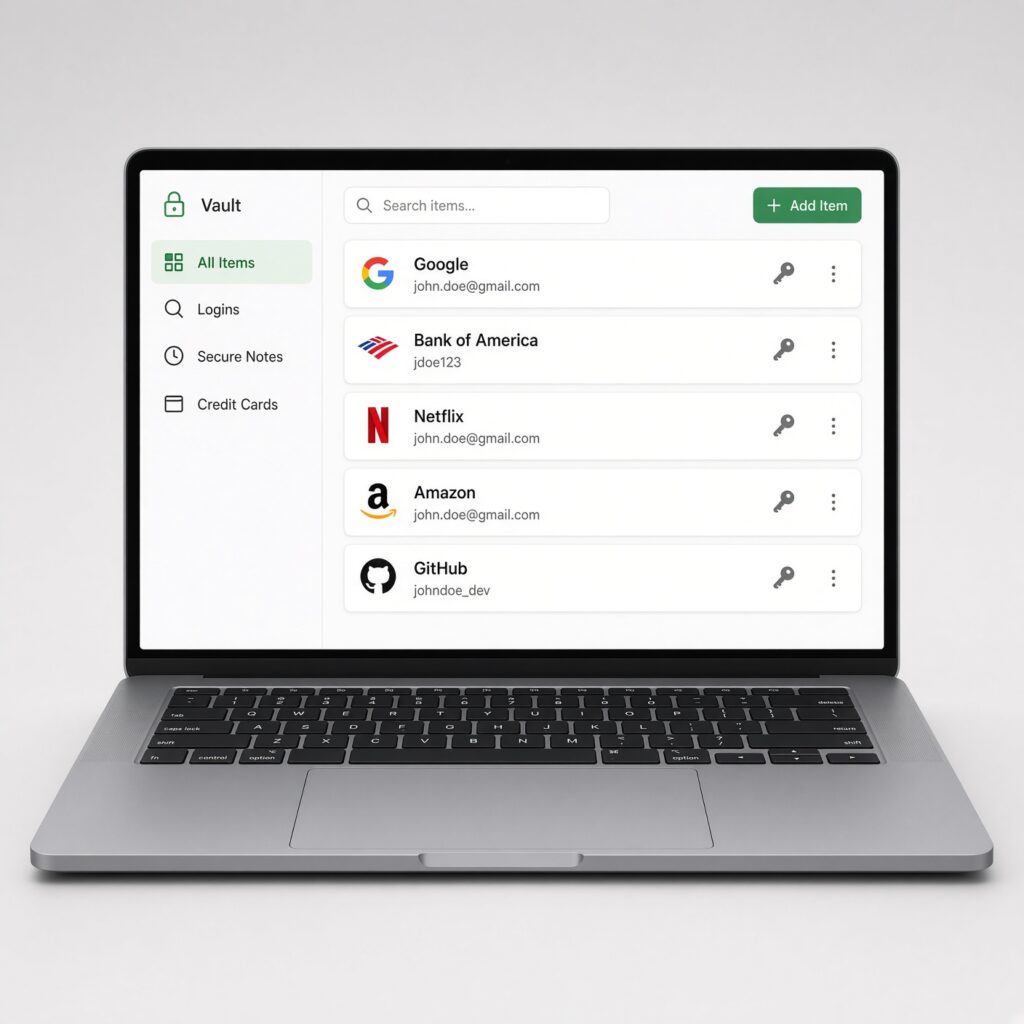
A password manager is a secure software application designed to store, manage, and retrieve your digital credentials. Instead of memorizing fifty different passwords for your email, streaming services, and financial accounts, you only need to remember one single master password.
Think of a password manager as a digital, highly encrypted vault. Once you log into your vault using your master password, the software automatically fills in your login details whenever you visit your favorite websites and apps. Modern password managers do much more than just store text; they also generate ultra-secure, randomized passwords, track credit card information securely, and store private notes.
How Do Password Managers Keep Your Data Safe?
A common concern for beginners is safety: “If all my passwords are stored in one place, won’t hackers target it?” The answer lies in advanced cryptographic design. Reputable password managers utilize strict security frameworks to ensure your data remains entirely private.
- Zero-Knowledge Architecture: This means the company hosting the password manager cannot see your master password, your vault data, or your individual accounts. Your data is encrypted and decrypted locally on your own device.
- AES-256 Bit Encryption: Most top-tier services use the same advanced encryption standard trusted by banks and governments globally to protect sensitive information from unauthorized access.
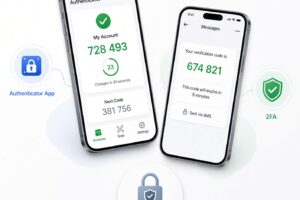
- Multi-Factor Authentication (MFA): To add an extra layer of defense, password managers require a second form of verification—such as a code sent to your phone or a hardware security key—before anyone can unlock your vault.
The Major Risks of Not Using a Password Manager
Without a dedicated management tool, people naturally fall into predictable psychological traps when dealing with password fatigue. Understanding these risks highlights why manual password tracking is dangerous:
- Password Recycling: When you use the same password across multiple websites, a security breach on a minor shopping site gives hackers the keys to your primary email, social media, and bank accounts.
- Credential Stuffing Attacks: Automated software allows hackers to test stolen email and password combinations across thousands of major platforms simultaneously, exploiting recycled passwords at scale.
- Insecure Physical Storage: Writing credentials on notepads, saving them in unencrypted text files on your desktop, or sending them via standard chat messages exposes your data to physical theft and malware.
Key Benefits of Using a Password Manager Every Day
Investing a few minutes into setting up a password manager provides immediate and long-term advantages for your daily browsing experience:
- Effortless Convenience: Browser extensions and mobile apps auto-fill your credentials instantly, saving you valuable time on every login.
- Unique Passwords Everywhere: The built-in generator creates complex combinations of letters, numbers, and symbols that would take centuries for hackers to crack.
- Cross-Device Syncing: Your secure vault synchronizes seamlessly across your smartphone, laptop, and tablet, ensuring your logins are always accessible wherever you go.
- Built-In Breach Alerts: Many modern managers scan the dark web continuously and notify you immediately if any of your accounts appear in a known corporate data leak.
Are Paid Password Managers Better Than Free Options?
Many users wonder if they need to spend money to secure their accounts. The digital security market offers robust solutions for every budget:
- Free Tiers: Excellent for individuals looking for basic vault storage, automated password generation, and single-device or cross-device syncing across standard platforms.
- Paid Plans: Typically ranging from modest annual subscriptions, these upgrades unlock advanced perks such as family sharing vaults, cloud storage for attachments, emergency access protocols, and comprehensive dark web monitoring.
For most everyday users, starting with a reputable free tier is a great way to test the waters before committing to a premium subscription.
How to Choose and Set Up Your First Password Manager
Transitioning to a password manager is straightforward if you follow a structured approach:
- Research and Select a Provider: Look for established, independently audited software providers known for transparency and strong customer privacy records.
- Create a Strong Master Password: Choose a long, memorable passphrase containing random words or characters. Write this specific password down and store it in a truly secure physical location, as it is the only key you cannot recover automatically.
- Enable Multi-Factor Authentication: Turn on MFA immediately during the initial setup to lock down your master vault.
- Import and Clean Up: Slowly migrate your existing logins. Use the transition as an opportunity to update weak or outdated passwords across your most important accounts.
Is It Truly Worth Using?
Ultimately, a password manager is well worth using. In an era where data breaches occur regularly and cyber threats grow more sophisticated, relying on human memory or poor habits leaves your personal identity and finances exposed. By automating security, eliminating password reuse, and streamlining your daily browsing experience, a password manager acts as an essential shield for your digital life. Taking a few minutes to set one up today provides invaluable peace of mind for years to come.